Overview

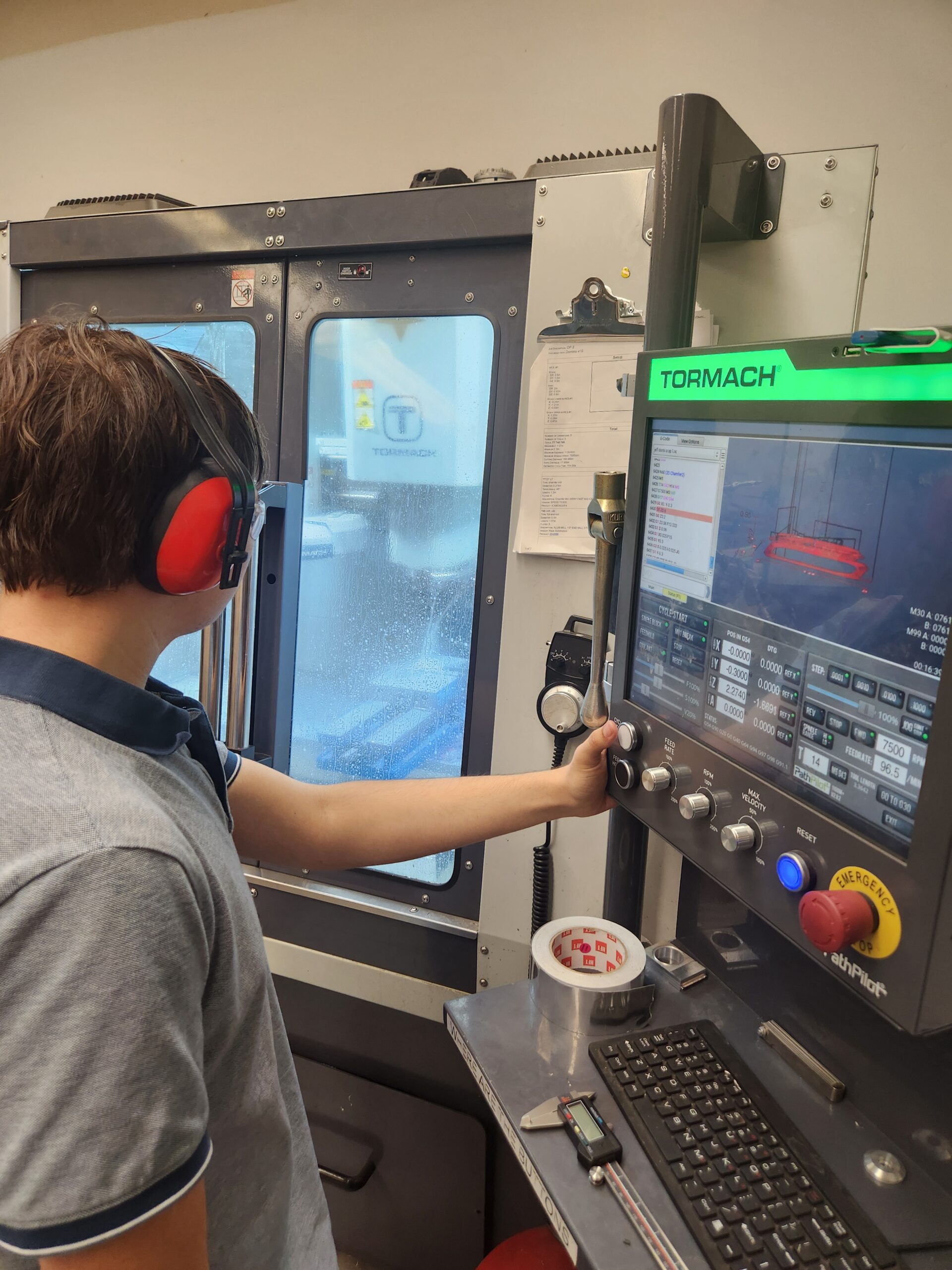
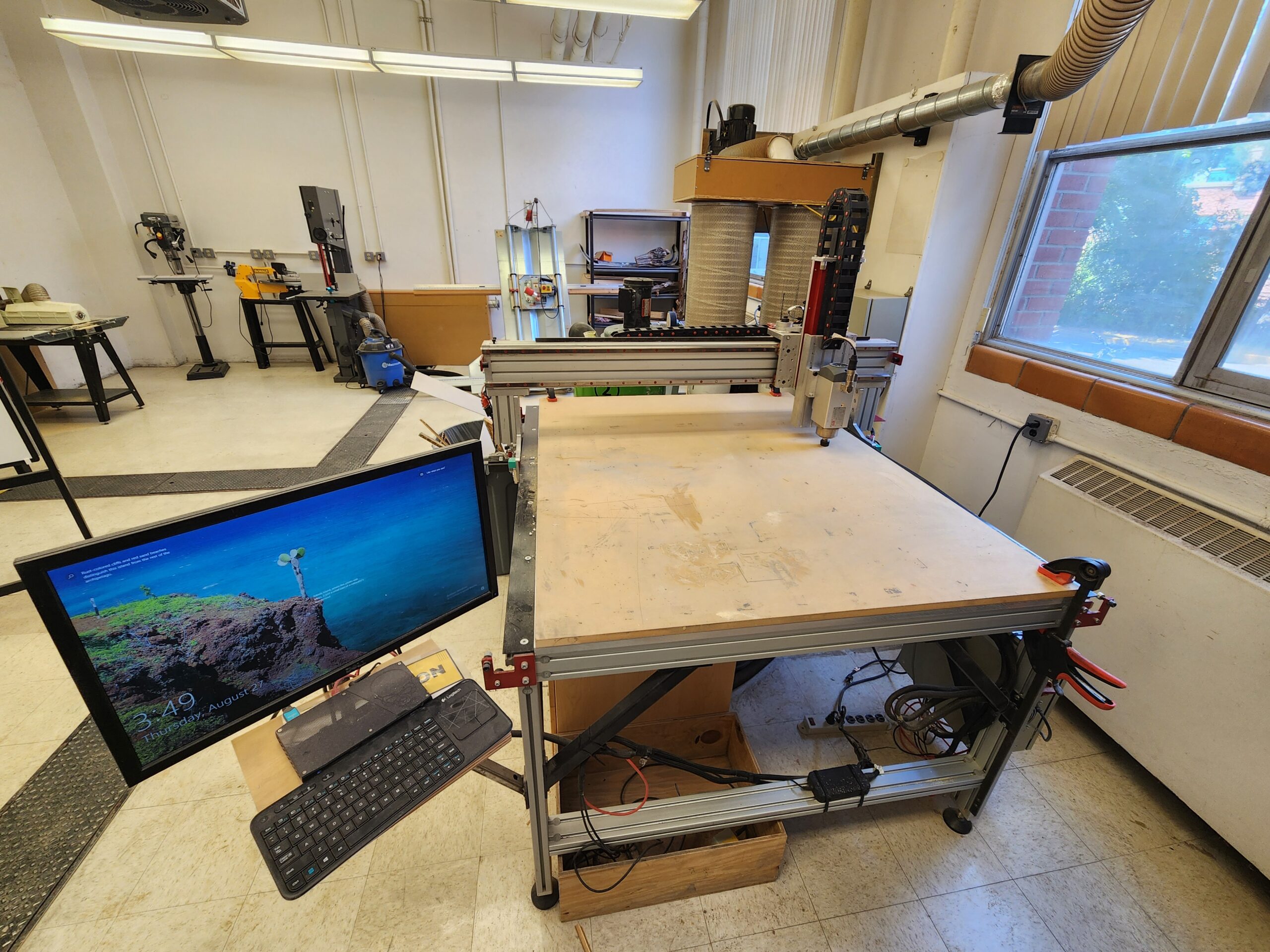
We at the FIZ offer training to students to use our CNC (Computer Numerical Controlled) machines themselves instead of paying the FIZ to do work for them. We currently have a Tormach 1100M CNC mill and an AVID CNC Pro4848 CNC router table. The Tormach is optimized for milling metals and the Avid router can do wood, plastic, and more! To allow students to operate these machines on their own, students need the proper training and knowledge to use them effectively, responsibly, and safely. Due to the nature of these machines being more complicated than many of our other machines, we have longer, 3-week training sessions several times a semester to allow students to gain the necessary skills for them. Sign up to let us know your interest so we can add you to a session!
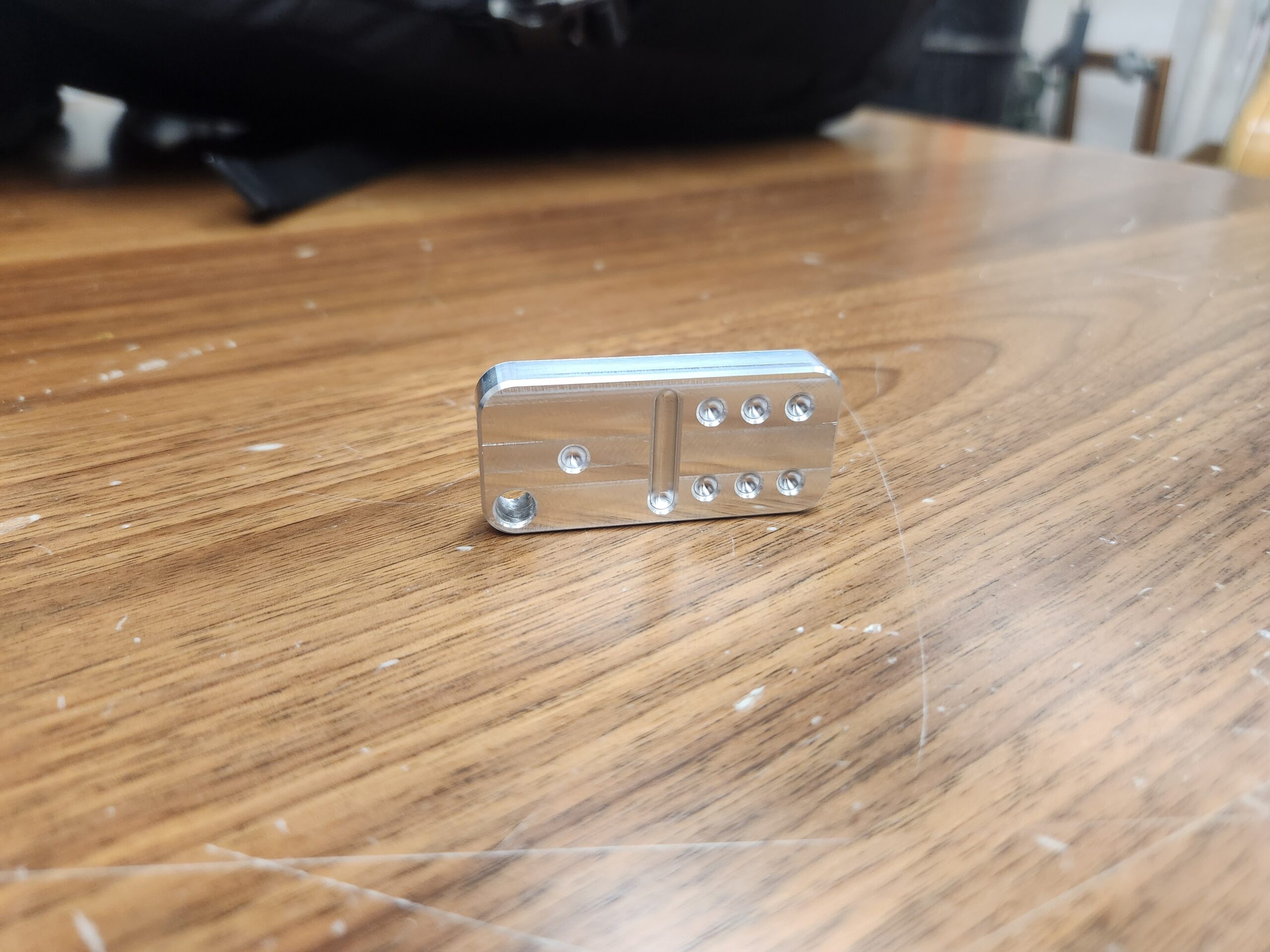
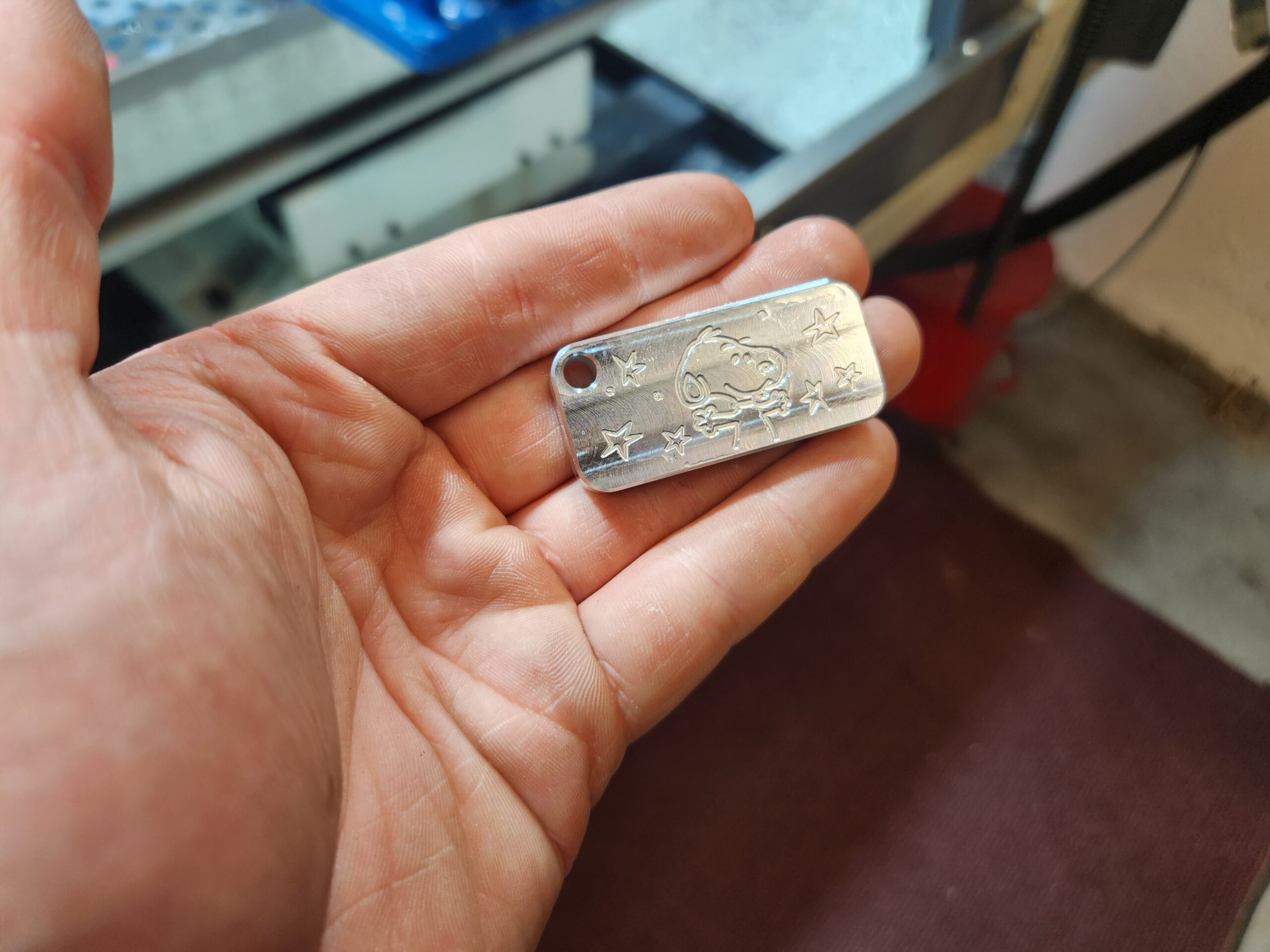
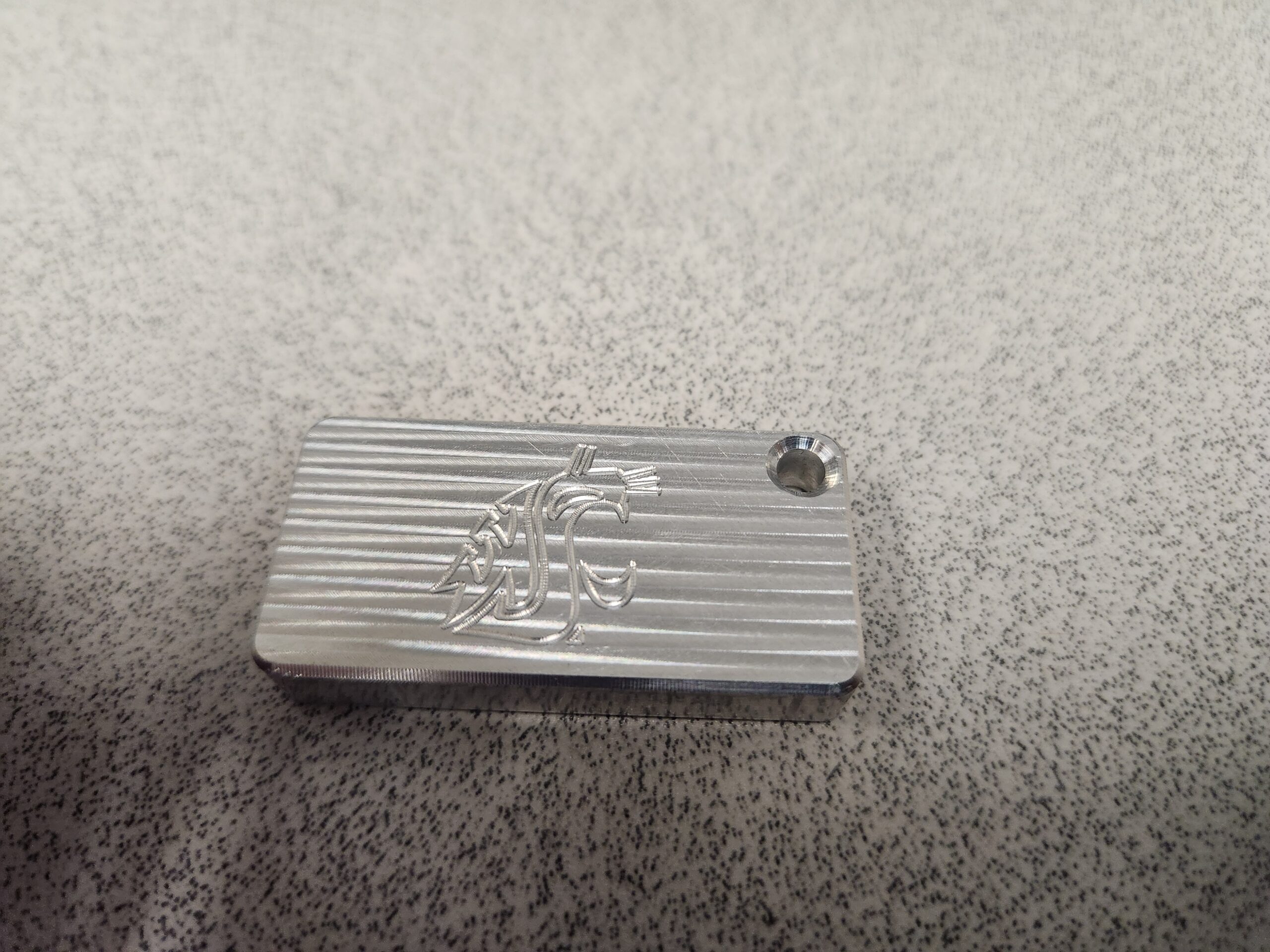
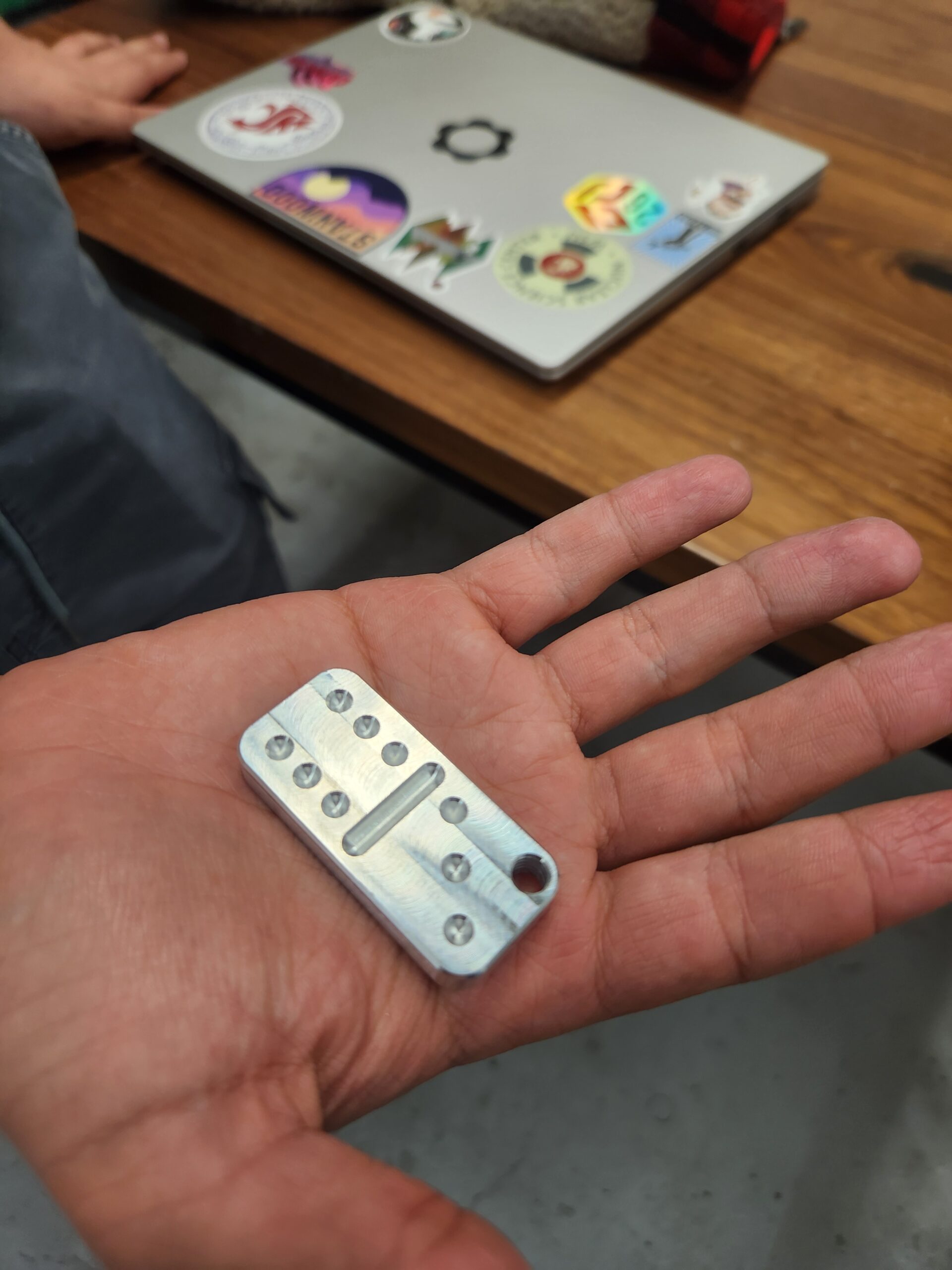
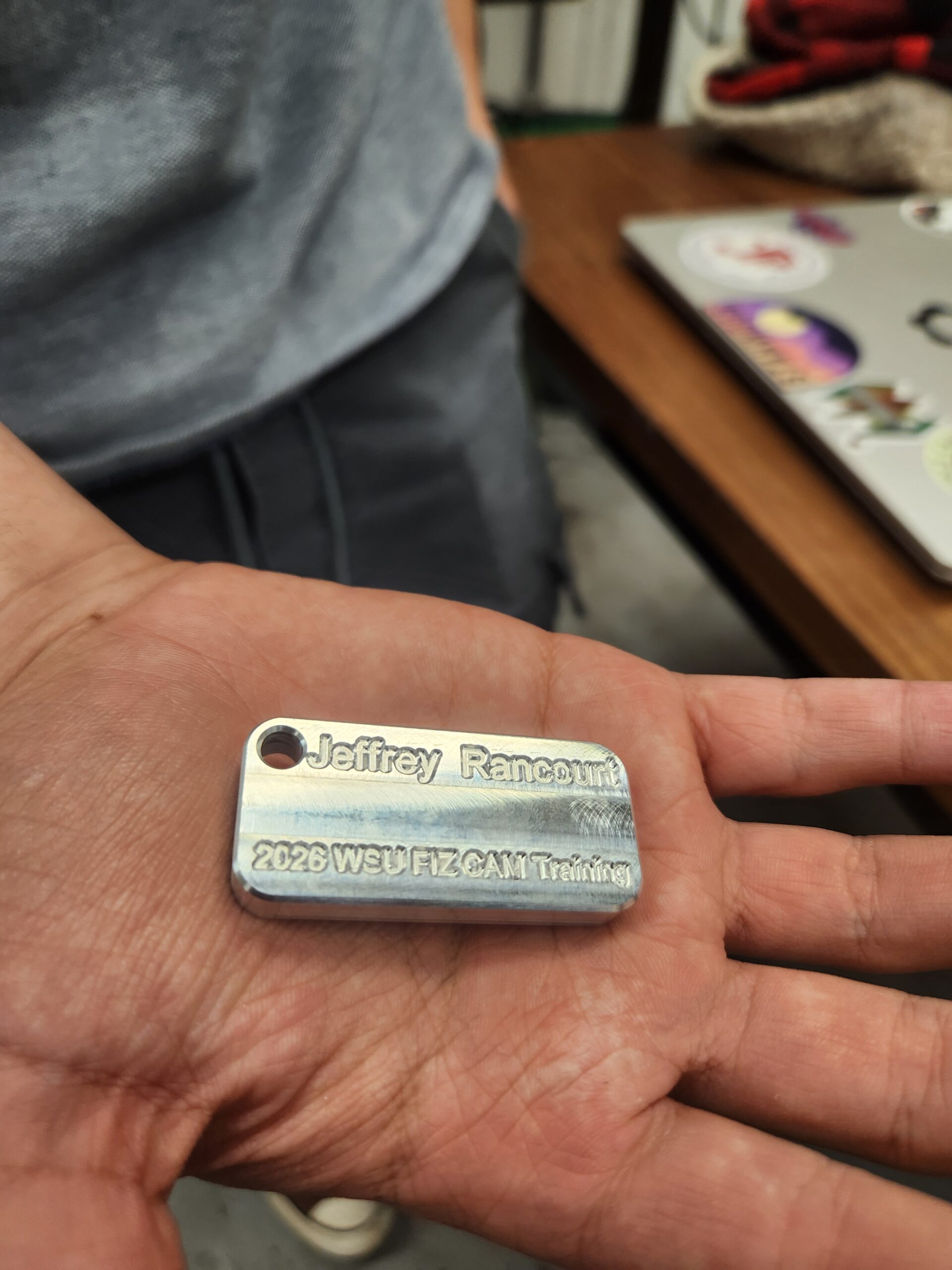
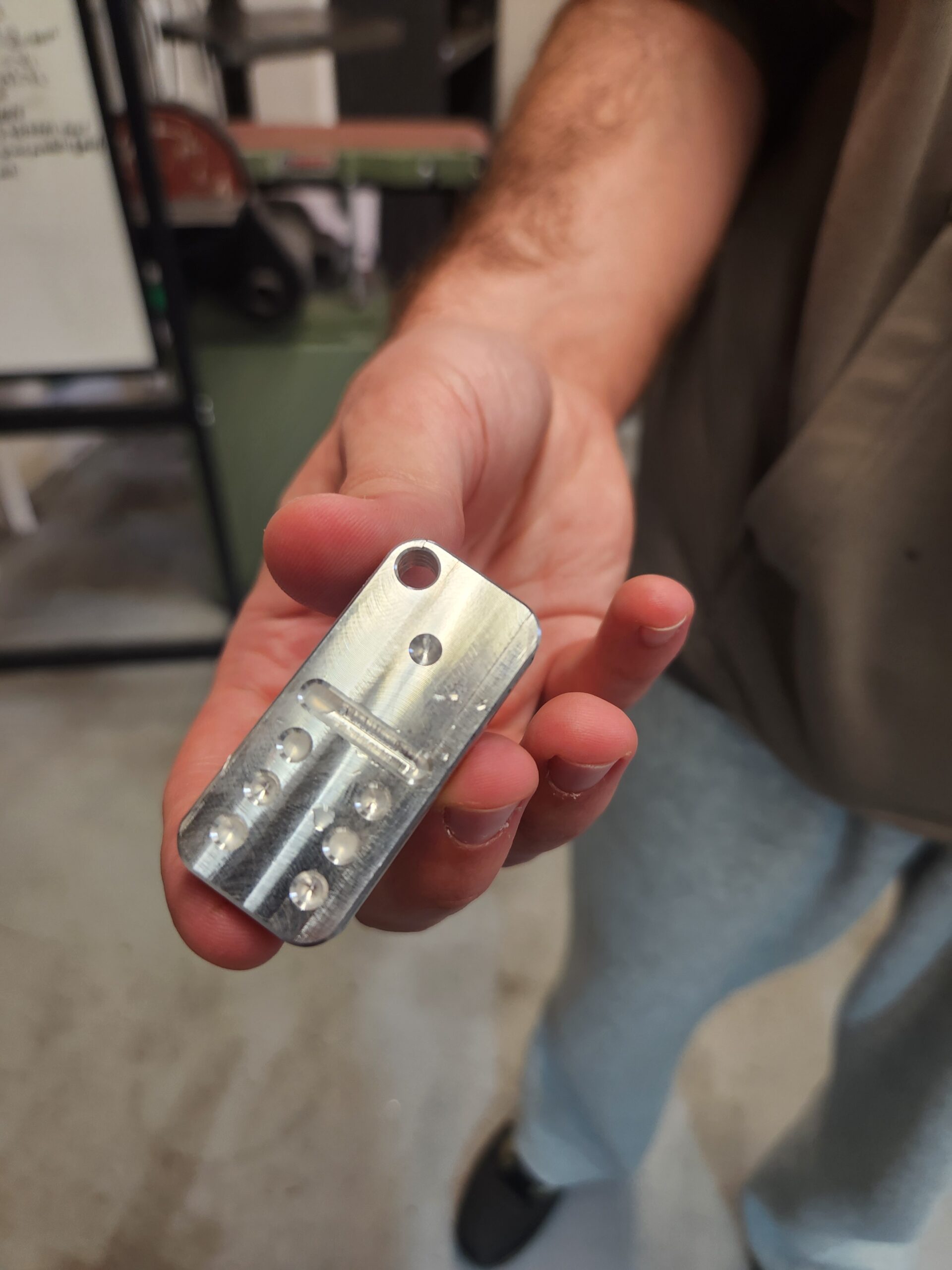
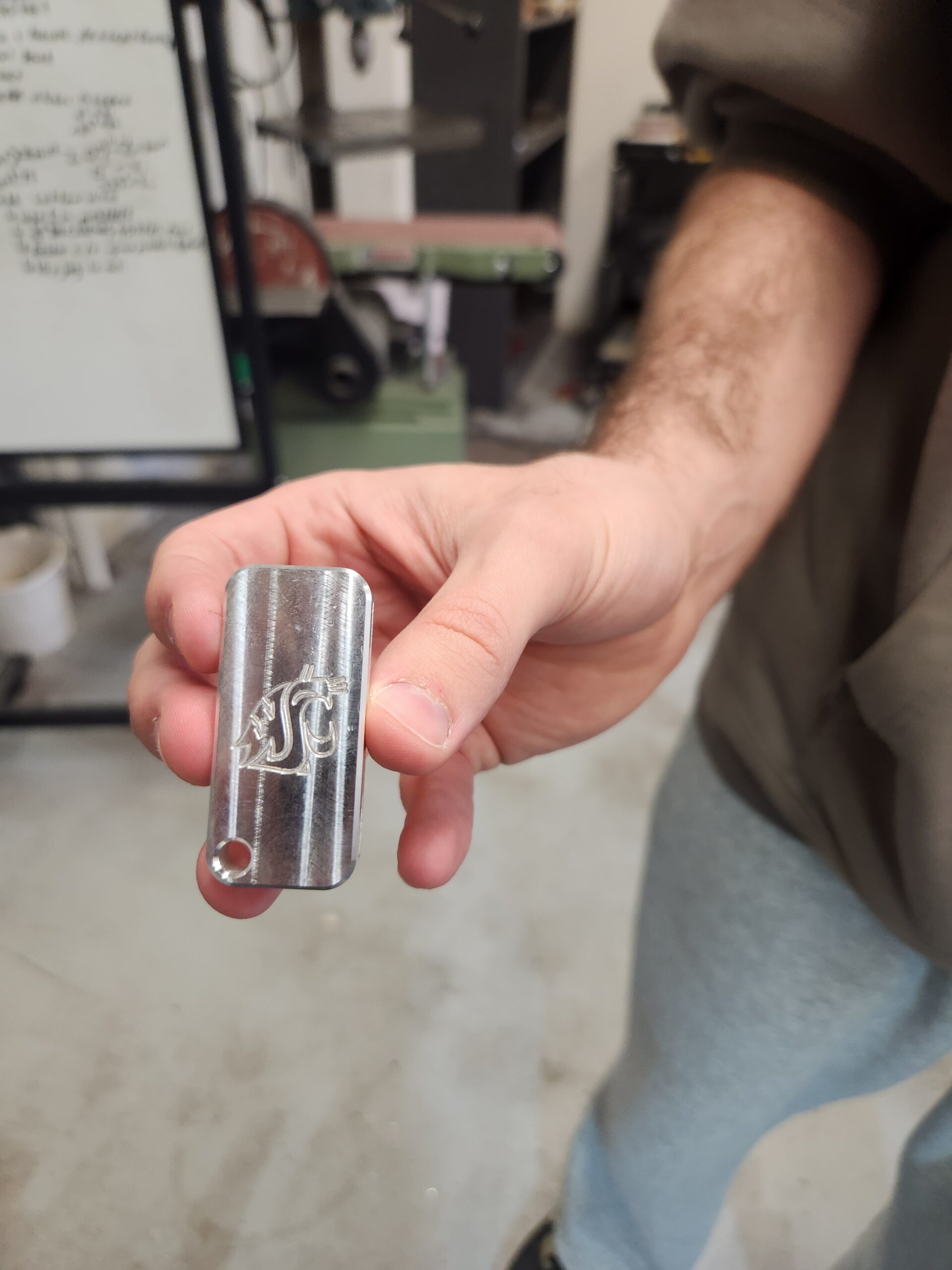
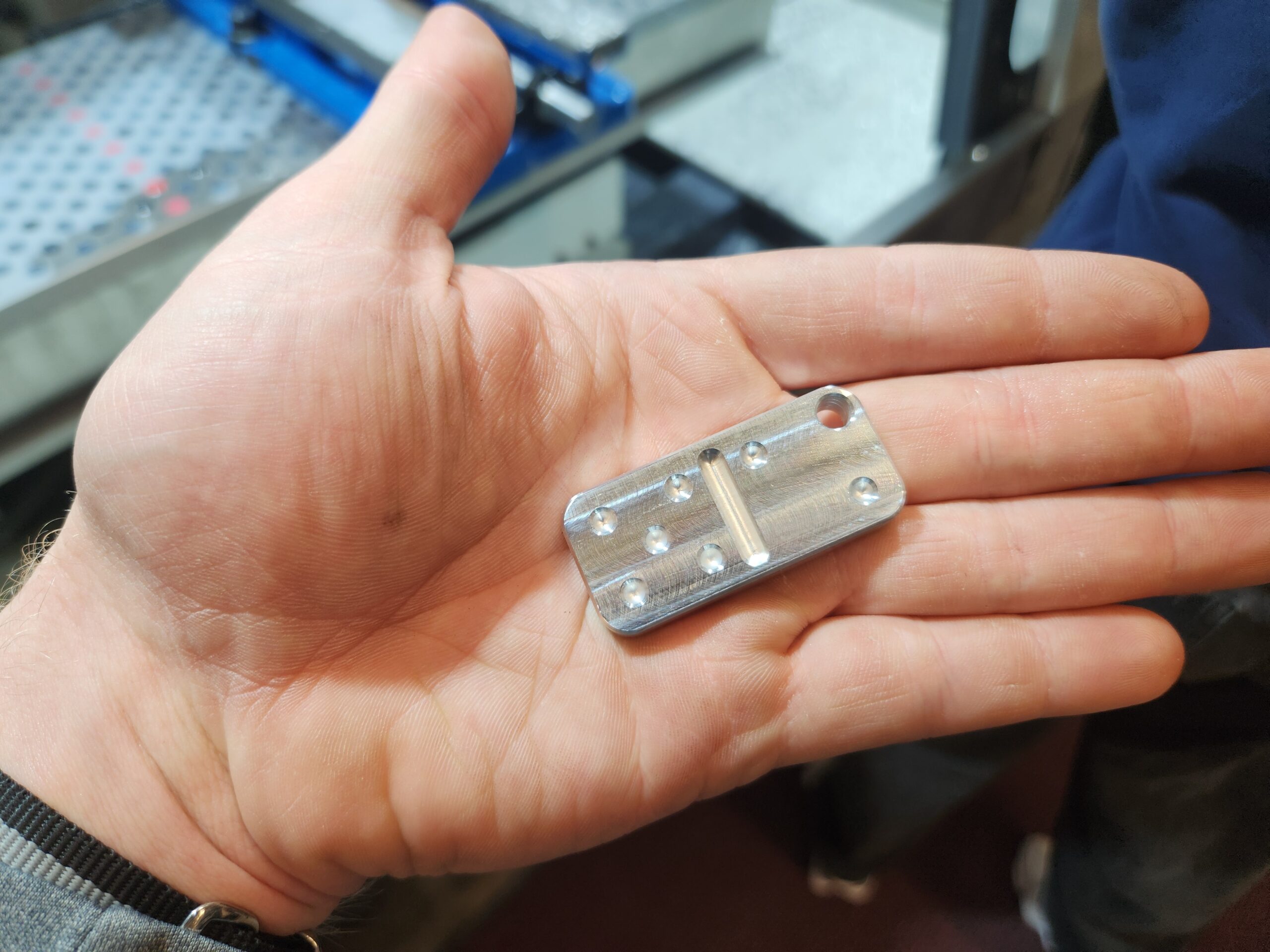
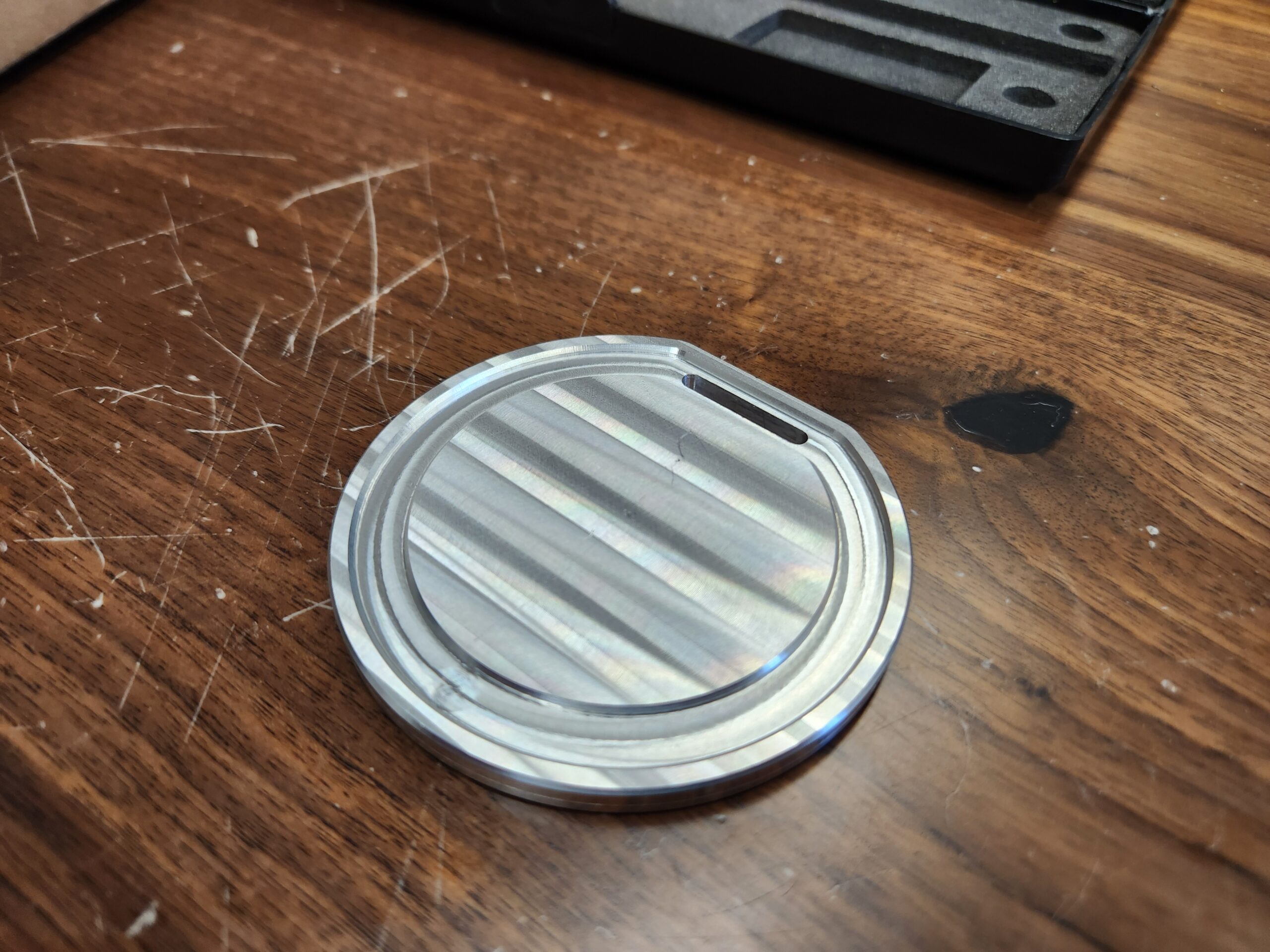
For the training for the Tormach, students will create a domino for a keychain out of aluminum. The general timeline will be to allow one week for students to ensure they are trained in the metal studio and use CAD (Computer Aided Design) to make the domino, then in the following week we will teach students the Autodesk Fusion CAM (Computer Aided Manufacturing) software we use to run the machine, and the third week will consist of getting students on the machine making their dominos and learning the operating side of things.
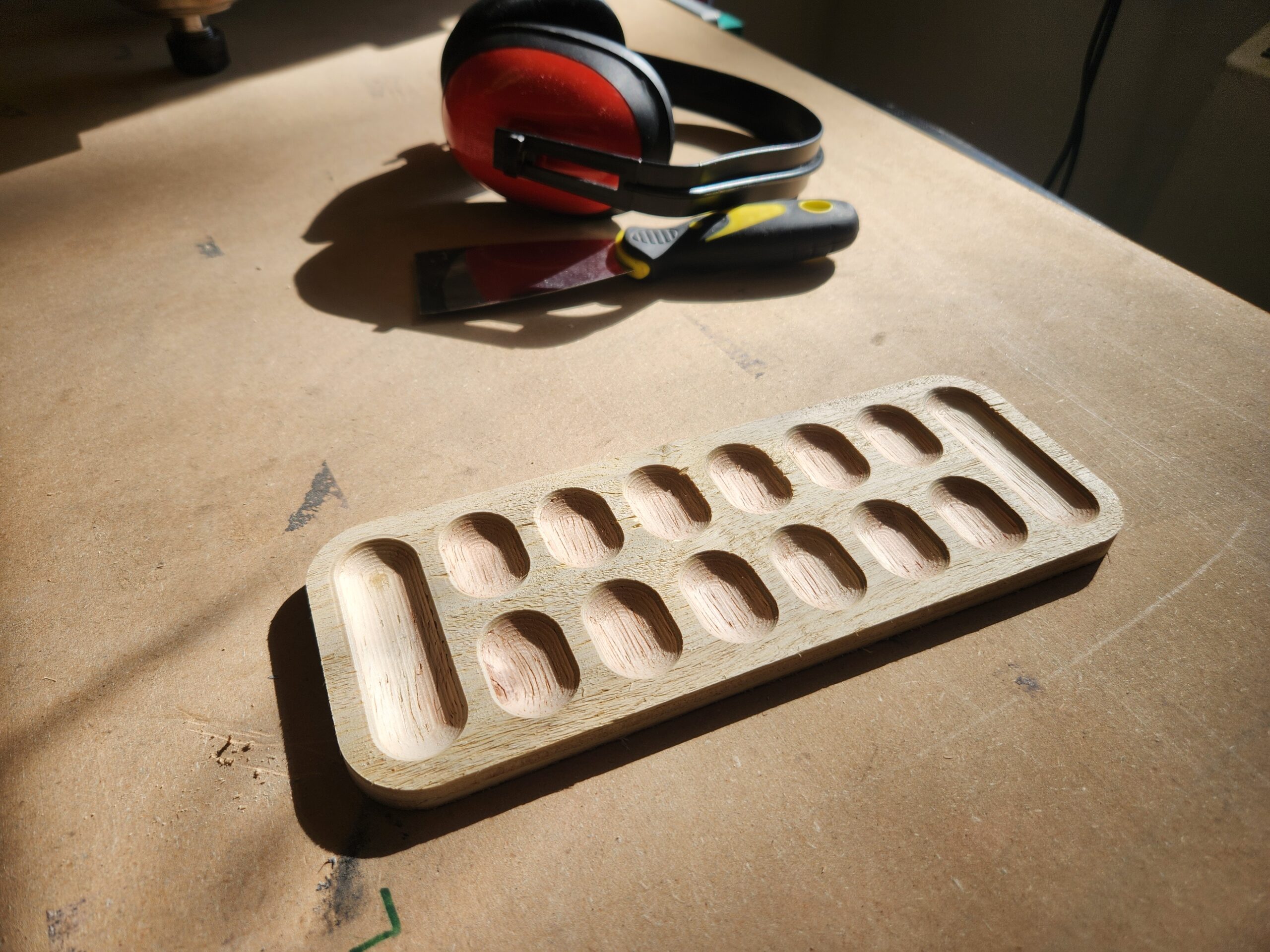
For the training on the AVID router, students will make a cribbage/mancala game board out of wood. The general timeline will be to allow one week for students to ensure they are trained in the wood studio and use CAD to make their game board, then in the following week we will teach students the software we use to run the machine, and the third week will consist of getting students on the machine making their game boards and learning the operating side of things.
Tormach CNC Training
4 People max per session
For the Tormach, students will need to to have installed on their computer Autodesk Fusion (or use a FIZ desktop) and have a flash drive. Students should also have some prior experience with CAD to design things and preferably experience using the other metalworking machinery in the FIZ for projects to get a better feel for working for metal. Sign-ups are by application, but generally accepted by first-come first-serve basis barring any exceptional circumstances. We will work out finalized meeting and training times by When2Meet survey in a Microsoft Teams group chat with all the participants in the training.
Training Timeline
- Week 1: Students should get the metal studio certification this week, set up Autodesk Fusion, and get started on a CAD model of their domino. We will work on CAM software for this week as well. There will be a 3 hour session to help with any Fusion setup or CAD/CAM issues as well as go over things not covered in the videos.
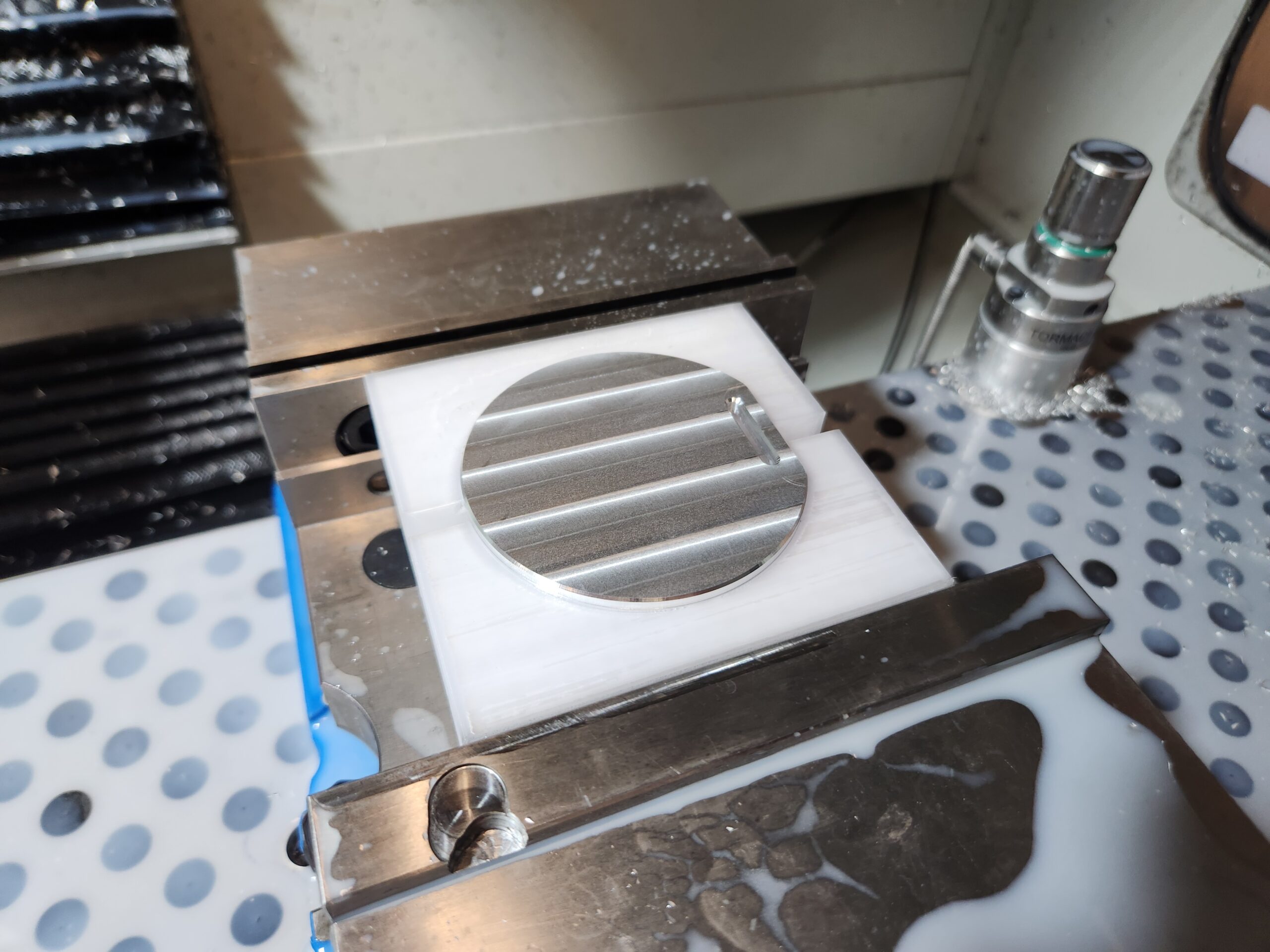
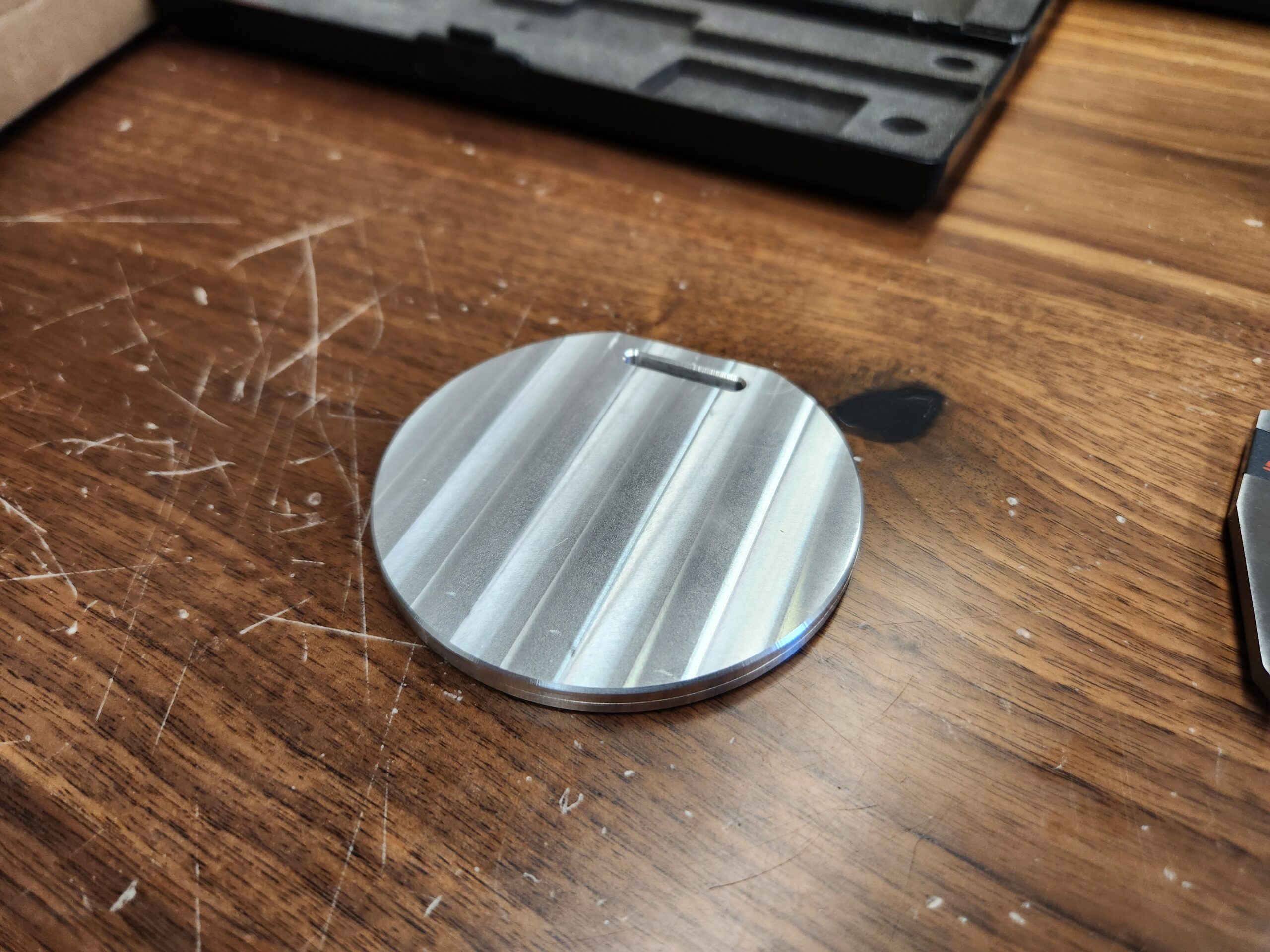
- Week 2: We will get hands on the Tormach this week. There will be one training session this week, 3-4 hours long. This session will be learning conversational on the mill to clean up stock for your domino. We may have to break up into smaller groups of two for this part to work around scheduling constraints. If needed, the FIZ trainer can host additional hours to cover CAM for the mill.
- Week 3: We will get hands on again this week. There will be one training session this week, 3-4 hours long. This session will be running your domino program on the Tormach. We may have to break up into smaller groups of two for this part to work around scheduling constraints.
Sign-up page (link to qualtrics)
https://wsu.co1.qualtrics.com/jfe/form/SV_6LFAcuP1Aztcs2G
Training Resources
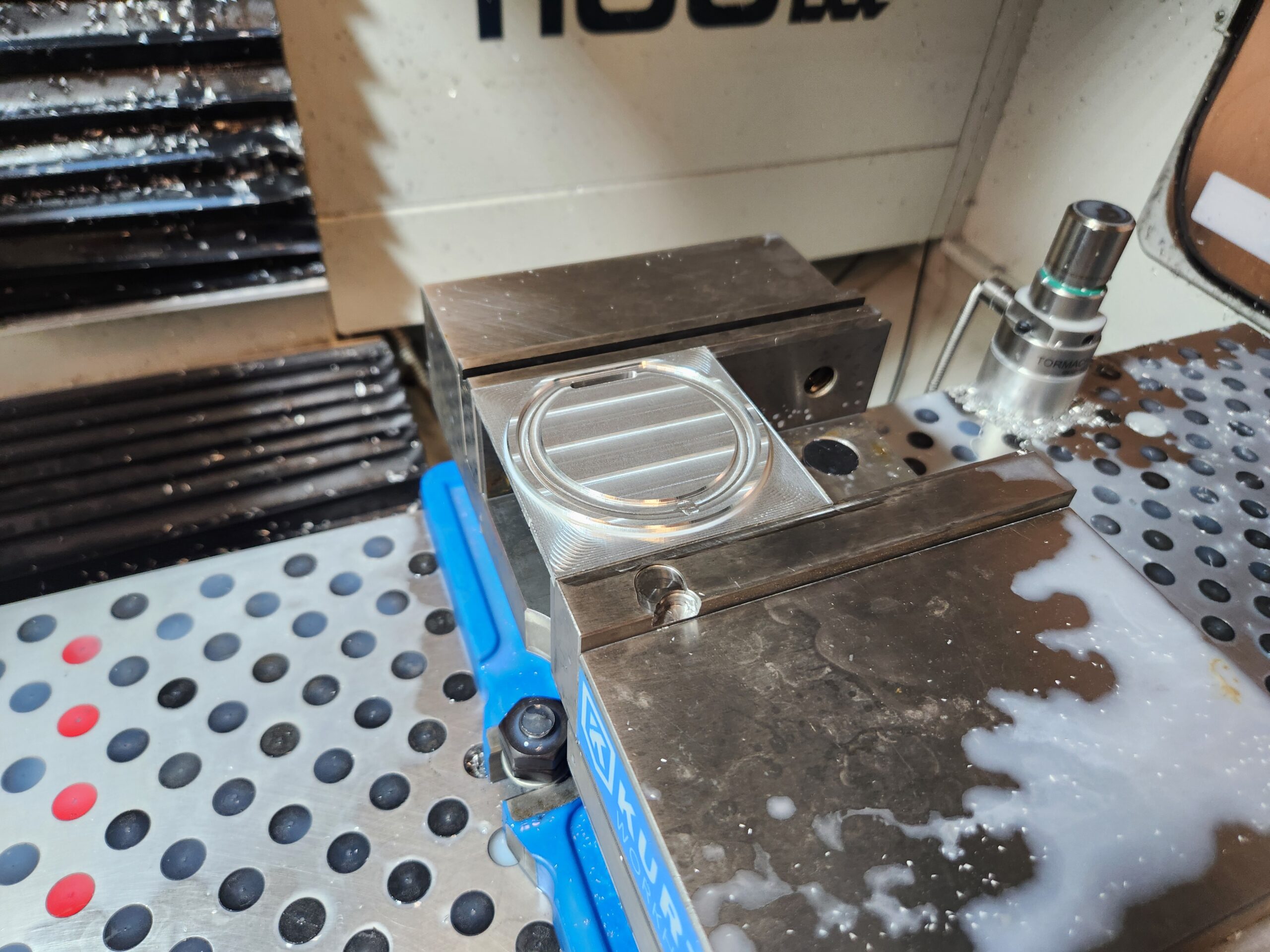
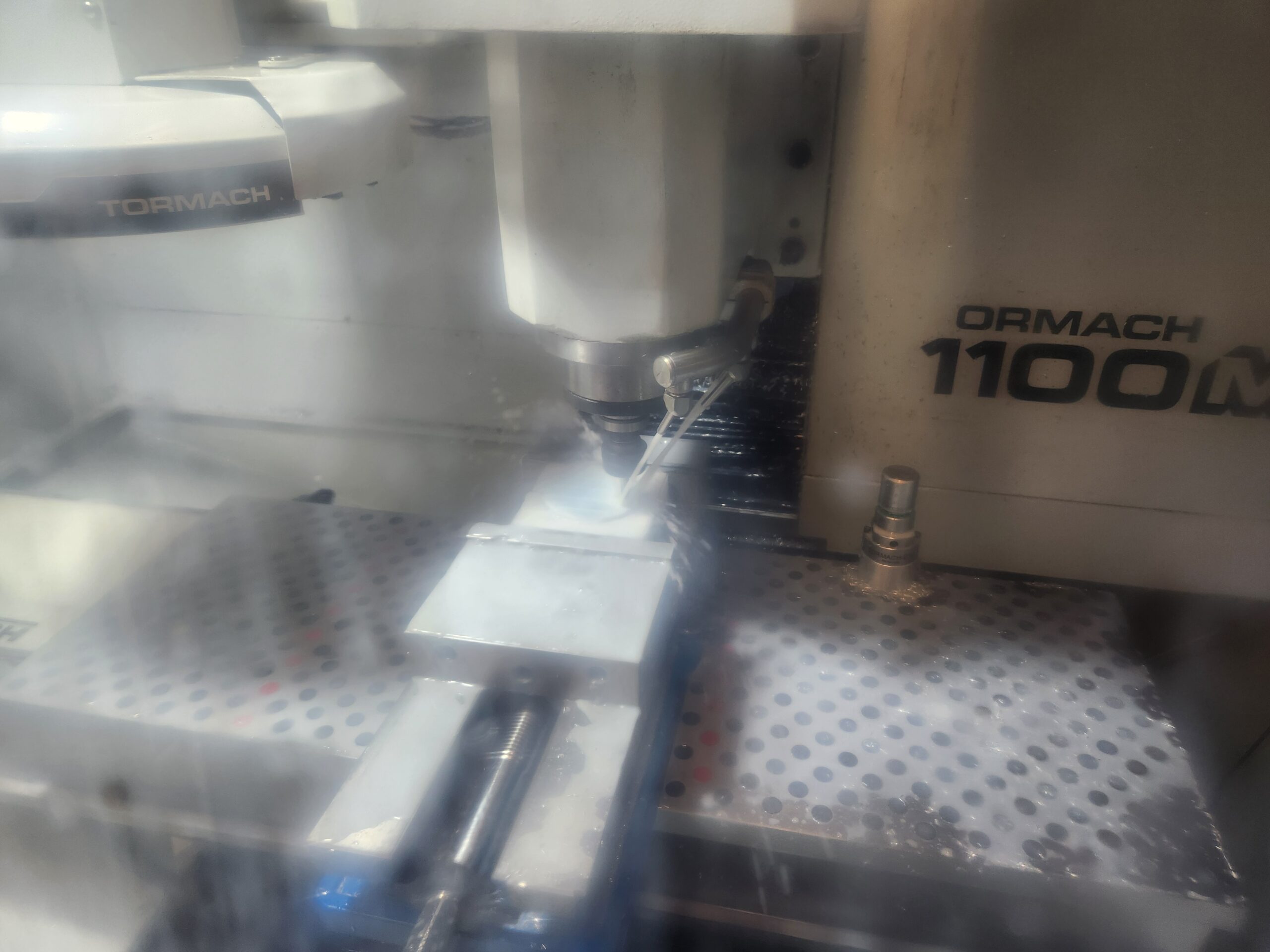
Photo Gallery of FIZ Tormach Projects
AVID CNC Router Training
4 people max per session
For the AVID CNC Router, students will need to to have installed on their computer Autodesk Fusion (or use a FIZ desktop) and have a flash drive. Students should also have some prior experience with CAD to design things and preferably experience using the other woodworking machinery in the FIZ for projects to get a better feel for working with wood. Sign-ups are by application, but generally accepted by first-come first-serve basis barring any exceptional circumstances.
Training Timeline
- Week 1: We will ensure students have wood studio certification, help with setting up Autodesk Fusion, and help with getting started on CAD of the game board. We will work out meeting and training times by When2Meet survey in a Microsoft Teams group chat with all the participants in the training. The FIZ trainer will have 1 hour of office hours to help with any Fusion setup or CAD issues in the first week if the CAD video tutorial doesn’t resolve them.
- Week 2: We will work on CAM software for this week. Using your game board CAD we will have a 2 hour session (again decided by When2Meet) to help with any questions and go over things not covered in our CAM video tutorials.
- Week 3: We will get hands on the AVID CNC router this week. There will be one training session this week, 2-3 hours long. This session will be running your game board program. We may have to break up into smaller groups of two for this part to work around scheduling constraints.
Sign-up page (link to qualtrics)
https://wsu.co1.qualtrics.com/jfe/form/SV_9zSpP7pZcczDXfw
Training Resources
- Coming Soon!